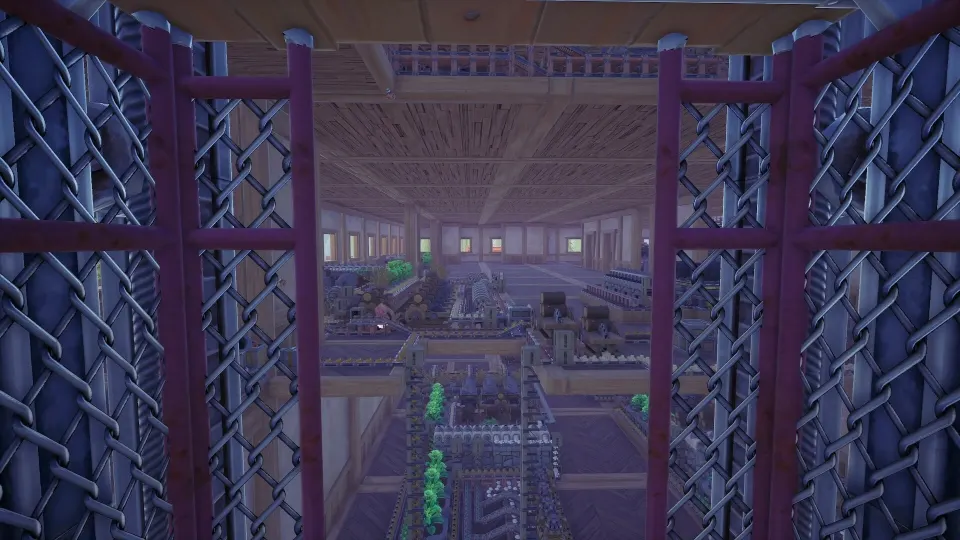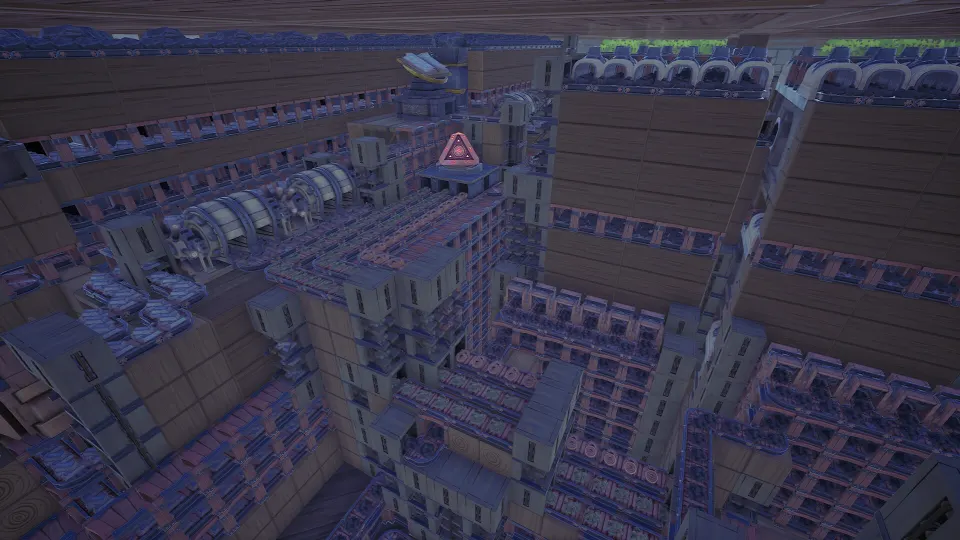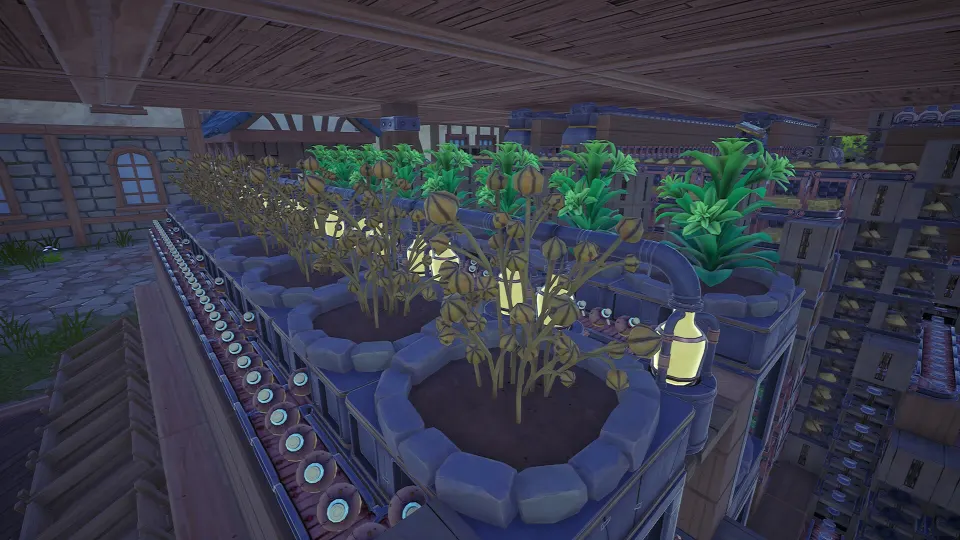
Why a Clay Blueprint Is Worth Building
Clay is an early production material that quietly becomes a major construction bottleneck once you begin making bricks, expanding machines, and improving your factory layout. A reusable clay module lets you scale output without redesigning the same belts every time.
The core recipe is simple, but the supply chain is not: clay needs sand and charcoal powder at a steady rate. Build the module around those two feeds, leave clear input and output connections, then save it as a blueprint before moving on to brick production.
A good clay build should do three things well:
- Convert stone into sand consistently.
- Convert charcoal into charcoal powder without starving other lines.
- Deliver both ingredients to an Assembler at the correct ratio.
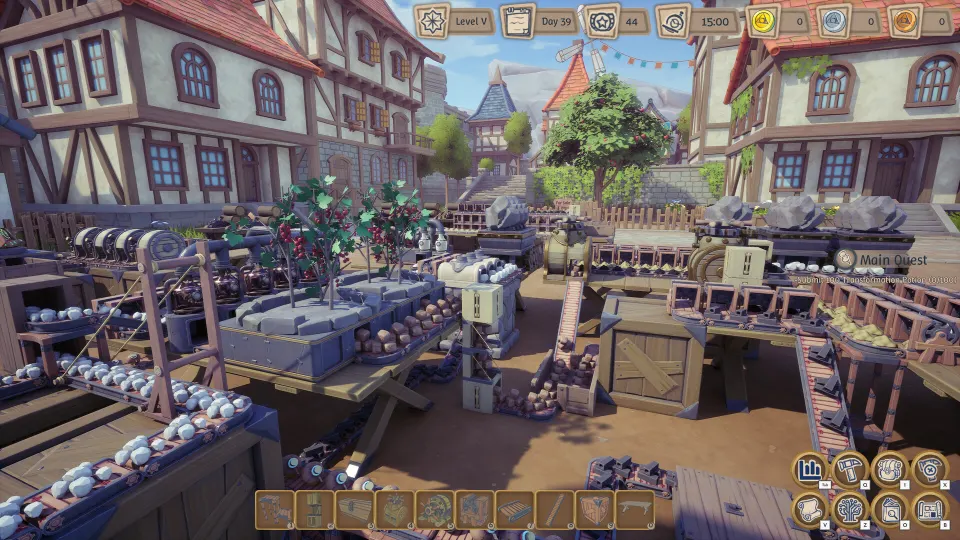
Clay Recipe and Production Ratios
Each Assembler craft produces one Clay from four Sand and two Charcoal Powder. The craft takes four seconds, so one continuously supplied Assembler makes 15 Clay per minute.
Sand comes from processing Stone in a Grinder. Charcoal Powder also comes from a Grinder, using Charcoal. Because sand takes longer to produce than charcoal powder, sand capacity is usually the first limit you encounter.
| Product | Device | Ingredients | Craft time | Output rate |
|---|---|---|---|---|
| Sand | Grinder | 1 Stone | 12 seconds | 5 per minute |
| Charcoal Powder | Grinder | 1 Charcoal | 4 seconds | 15 per minute |
| Clay | Assembler | 4 Sand, 2 Charcoal Powder | 4 seconds | 15 per minute |
One clay Assembler consumes 60 Sand and 30 Charcoal Powder per minute. That means the ideal basic support setup requires considerably more sand grinding than powder grinding.
| Target | Sand needed per minute | Charcoal Powder needed per minute | Clay Assemblers |
|---|---|---|---|
| Small starter line | 60 | 30 | 1 |
| Double module | 120 | 60 | 2 |
| Mid-game brick feed | 180 | 90 | 3 |
| Large shared supply | 240 | 120 | 4 |
At base rates, a single Grinder making Sand provides only 5 Sand per minute, while a powder Grinder provides 15 Charcoal Powder per minute. For one fully supplied clay Assembler, you therefore need 12 sand Grinders and two charcoal-powder Grinders if all machines run at their listed baseline speeds.
That ratio may look excessive, but it explains why players often have plenty of charcoal powder while their clay machines sit idle. Build and test the sand side first. Once sand reaches its intended rate, add charcoal processing until the Assembler receives both ingredients continuously.
Building a Compact Clay Module
Start with the Assembler as the center of the blueprint. Route Sand into one side and Charcoal Powder into another side whenever possible. Keeping the ingredients separated until their final approach makes it easier to diagnose shortages and expand later.
Put the sand-processing area on the side with the most available space. It uses more Grinders and belts, so it benefits from a long vertical shelf, tower, or layered platform. Place charcoal powder production closer to the Assembler because it needs fewer machines.
A practical layout sequence is:
- Reserve a central position for the Clay Assembler.
- Build the Sand Grinders in a row, stack, or tower on one side.
- Build the Charcoal Powder Grinders on the opposite side.
- Route each material on its own belt network toward the Assembler.
- Add an output belt leading to storage, kilns, or a brick-production line.
- Leave accessible connection points for Stone, Charcoal, and finished Clay.
Do not merge material lines early merely to make the build look cleaner. A dedicated input path is easier to inspect, and it prevents an accidental belt or routing mistake from blocking both ingredients.
| Blueprint area | Recommended role | Why it belongs in the saved module |
|---|---|---|
| Sand section | Stone intake and Sand Grinders | Sand is the largest clay input and most likely expansion point |
| Powder section | Charcoal intake and powder Grinders | Maintains the second ingredient at a predictable rate |
| Assembly section | Clay Assembler and final belts | Keeps the recipe ratio visible and repeatable |
| Output section | Clay storage or handoff belt | Lets the same design feed bricks or general storage |
| Access space | Open side or doorway | Makes repairs, recipe checks, and belt edits easier |
Vertical construction is especially useful for clay. A stacked sand tower reduces the footprint of a grinder-heavy setup, while shelves and elevated belts can carry materials above machines. Keep enough clearance around tall equipment so that belts, elevators, and connections remain readable.
If you plan to make bricks immediately, include a clearly marked clay output line rather than sending every unit into storage. A split after the Assembler can support both a buffer chest and downstream kilns. For a flexible blueprint, avoid permanently locking every output into one destination.
Saving, Sharing, and Scaling the Blueprint
Save the layout after it has run long enough to prove that its belts and machines work correctly. A blueprint that looks symmetrical but lacks throughput will only reproduce the same problem faster.
To save a selected production area, use the selection tool to cover the whole module, confirm the selection with F, then save it with H. Include all machines, supports, belts, and any routing required for the design to function. Check the selection boundary from multiple angles before confirming.
Use a name that describes capacity and purpose. “Clay 15 per min” is more useful than “Factory Build 3,” especially after your blueprint library grows.
Good blueprint names often include:
- Output rate, such as
Clay 15pm. - Input type, such as
Stone to Clay. - Intended role, such as
Brick Feed. - Structural detail, such as
StackableorCompact. - Upgrade status, such as
Base SpeedorImproved Belts.
Open the build menu with Q, select the Blueprints tab, and use Blueprint Directory to manage local blueprint files. Exporting a selected blueprint opens its file location so you can rename it or place it into a dedicated folder. Refresh the directory after moving files so the in-game list recognizes the new organization.
| Blueprint type | Best use | Scaling approach |
|---|---|---|
| Starter clay line | Early construction needs | Copy only after sand production is stable |
| Brick-feed module | Continuous kiln supply | Add output routing directly to kiln inputs |
| Stackable clay module | Dense vertical factories | Duplicate upward with clear belt handoffs |
| Shared clay supply | Several consumers | Add storage buffers and separate distribution belts |
Blueprint files can also be shared through community channels and Steam Workshop listings. Before relying on a downloaded design, inspect its required materials, footprint, and intended throughput. A highly compact build may depend on building techniques, unlocked devices, or logistics capacity you do not yet have.
When scaling your own module, duplicate the whole balanced unit rather than adding only more Assemblers. Every extra clay Assembler adds demand for 60 Sand and 30 Charcoal Powder per minute. Copying an incomplete ratio is the fastest way to create a larger-looking factory that produces no additional clay.
FAQ
What does an alchemy factory clay blueprint need?
An alchemy factory clay blueprint needs Sand production, Charcoal Powder production, at least one Clay Assembler, belts or other logistics connections, and an output route for the finished Clay. For a fully supplied base-speed Assembler, plan for 60 Sand and 30 Charcoal Powder each minute.
How do I make Clay in Alchemy Factory?
Set an Assembler to the Clay recipe. It consumes four Sand and two Charcoal Powder, takes four seconds per craft, and produces one Clay. Sand is made from Stone in a Grinder, while Charcoal Powder is made from Charcoal in a Grinder.
Why is my Clay Assembler idle?
Check Sand first. Clay consumes twice as much Sand as Charcoal Powder, and Sand takes longer to make in a Grinder. Also verify that both inputs reach the correct ports and that belts are not saturated or disconnected.
Should I include storage in the blueprint?
Usually, yes. A small Clay buffer makes the module more forgiving when downstream brick production pauses. However, leave output connections accessible so the same blueprint can feed storage, kilns, or another production line.
Can I reuse a clay blueprint for bricks?
Yes. A clay blueprint is an excellent foundation for brick production because it creates the material that brick lines consume. Keep its Clay output clearly separated so you can connect it to kilns without rebuilding the upstream Sand and Charcoal Powder systems.