Create Your First Blueprint
Blueprints turn a working factory section into a reusable template, saving you from rebuilding the same belts, machines, and portals over and over. The real benefit is reliability: once a production line works, you can reproduce it without introducing new placement mistakes.
To make a blueprint, build and test the area first. Confirm that every input reaches the correct machine, outputs have a destination, and the layout has enough room for connections. A blueprint captures the selected factory layout, so an overlooked belt or portal can make every future copy fail.
Follow these steps:
- Build the production section you want to reuse.
- Run it long enough to confirm its inputs and outputs work correctly.
- Select the complete structure, including machines, belts, portals, and support pieces.
- Press
Fto copy the selection. - Press
Hto open the save interface. - Give the blueprint a clear name, add a useful description, and confirm the save.
Before pressing F, walk around the build and inspect the selection outline. The most common problem is selecting the machines but missing a belt that feeds them or carries the finished product away.
| Check before saving | Why it matters |
|---|---|
| Every machine is selected | A missing machine can break the recipe chain. |
| Belts and lifts are included | Copying only equipment leaves no transport path. |
| Portal connections are present | Portals help keep later factories from becoming tangled. |
| Inputs are sufficient | A correct layout still stalls if supply cannot support it. |
| Output has space to leave | Finished items need storage, belts, or a downstream machine. |
Start with a small, dependable design rather than a massive “perfect” build. Your first useful templates are often basic resource processors, plant areas, or simple assembly lines.
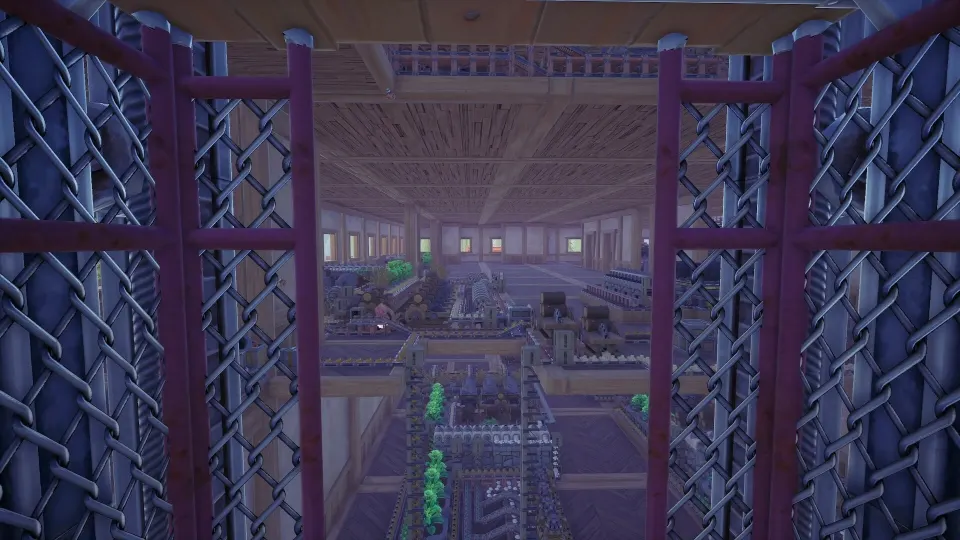
Save Blueprints Worth Reusing
A layout does not need to be highly optimized before it deserves to become a blueprint. In the early levels, repeatability is more valuable than compactness. Save something when it solves a problem you expect to encounter again.
Good early blueprints usually produce a common material, feed more than one later recipe, or can be placed repeatedly with minimal adjustment. Resource processing is especially valuable because wood, stone, sand, and ores appear in many production chains.
| Blueprint type | Typical purpose | Best time to save it |
|---|---|---|
| Resource processing | Converts raw materials into planks, charcoal, sand, or usable ore products | After the flow runs steadily |
| Plant or nursery setup | Provides a consistent supply of plant-based ingredients | Once harvesting is no longer manual |
| Component assembly | Combines processed inputs into common parts | When the same component is needed by several recipes |
| Utility module | Adds storage, routing, or connection space | After rebuilding the support layout twice |
| Specialized machine | Produces a specific advanced item | When its recipe and demand are stable |
Use a simple rule: if you have rebuilt a layout more than once, save it. That includes “boring” modules such as storage-and-routing sections. Those templates may not make sellable items directly, but they reduce the friction of expanding every other system.
Early-game blueprints should favor clear paths and spare room. Level 1 through Level 4 factories often change as new machines unlock, so avoid treating an early layout as permanent. Save the stable core, then leave attachment points for future belts, lifts, or portals.
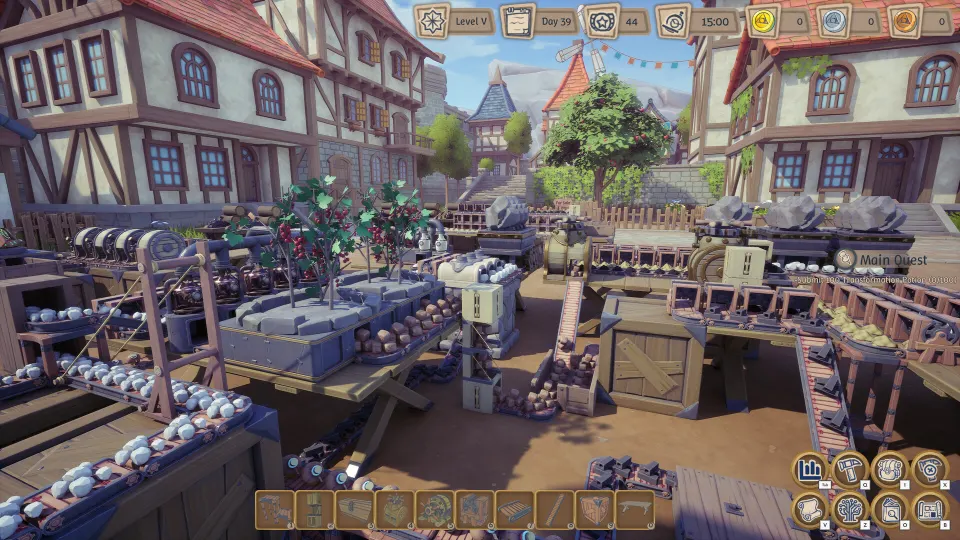
For example, a basic stone-processing template can include one raw input, one or two processing machines, and a clean output route. If you later need more throughput, place additional copies instead of redesigning the original every time.
Place, Organize, and Maintain Templates
Open the Build menu with Q, then choose the Blueprints tab to browse saved layouts. Select a blueprint and use the placement preview to check orientation, floor space, and nearby connections before confirming. You can rotate the preview to fit a different factory wing or align it with an existing belt network.
Placement is quick, but it does not replace planning. Make sure the new copy has enough incoming materials and a place for its output. Three identical sand processors will not help if your stone supply only supports one.
| Library habit | Example | Player benefit |
|---|---|---|
| Name by product | Fertilizer or Sand Factory | Makes searching fast |
| Add a version | Sand Factory Mk2 | Separates old and improved designs |
| Include capacity | Sand Mk3 - 120/min | Shows what the build is intended to handle |
| Note requirements | “Needs charcoal input and portal output” | Prevents placement surprises |
| Group related files | Early game, plants, metals, potions | Keeps a large library readable |
Descriptions are more useful when they explain constraints instead of repeating the title. Record the required inputs, expected output, fuel needs, fertilizer grade, or an unusual routing detail. A short note can prevent you from placing an old design that no longer fits your current factory.
Blueprint files use the .af format. The blueprint directory can be opened from the in-game blueprint interface, allowing players to rename files and organize them into folders. After moving files or adding folders, use the refresh option in the game so the library updates.
Folders are especially helpful once you have dozens of templates. Keep broad categories such as “Early Builds,” “Plants,” “Metals,” and “Potions,” then use clear file names within each one. Avoid relying on default letter-and-number filenames; they become impossible to identify later.
You can also exchange .af files with other players. Put a received file in the game’s Blueprint folder, then launch or restart the game as needed and check the Blueprints tab. Community designs can be useful references, but inspect their footprint, material demands, and required unlocks before building around them.
Design Blueprints That Scale Well
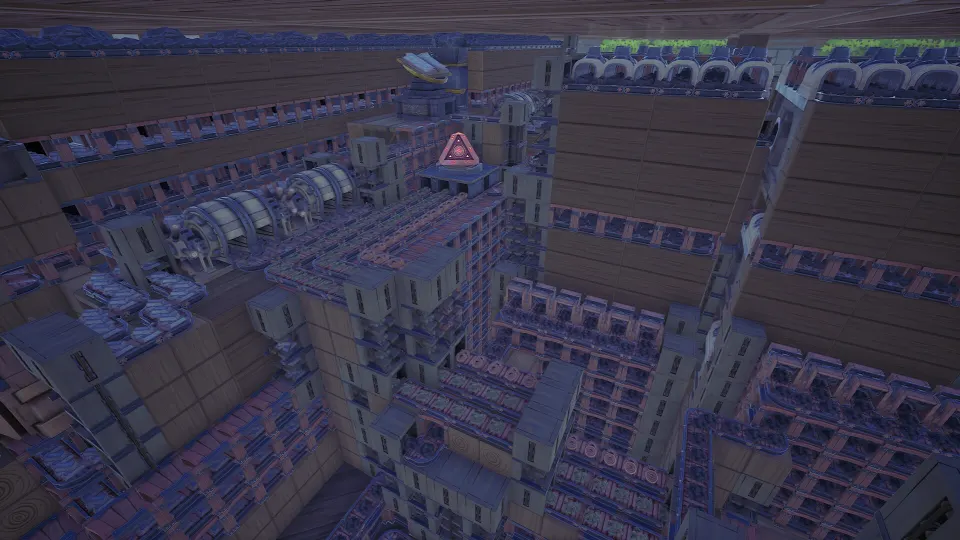
A reusable blueprint is not necessarily the smallest possible blueprint. Extremely tight designs can be difficult to connect, difficult to inspect, and less forgiving when placed beside other factory sections. Leave access space where belts may need to enter, exit, cross floors, or connect to portals.
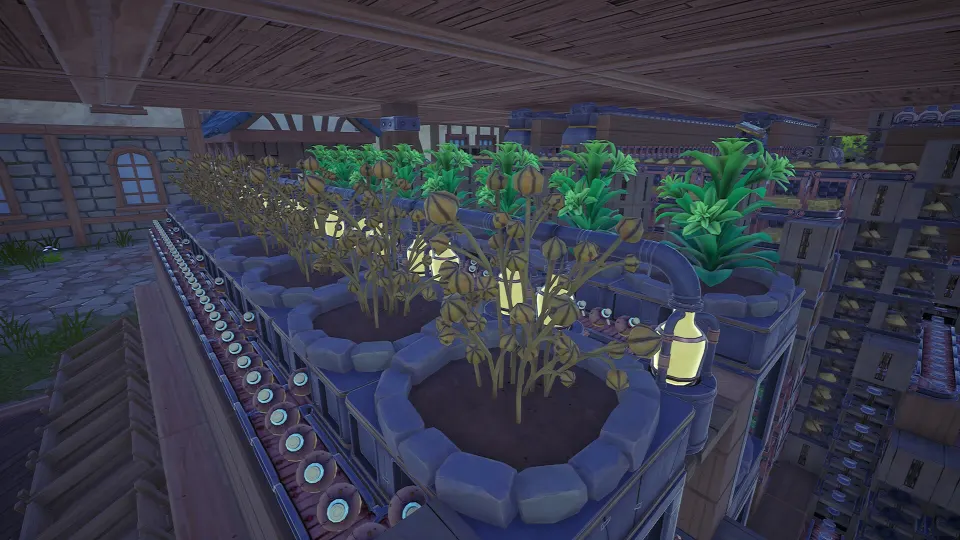
For early game, aim for stable production blocks. A plant blueprint may have a small grow area, simple routing, and centralized collection. An assembly blueprint may combine two or three inputs through one machine and send the result to a clear output. These modules remain understandable when you return to them hours later.
Build with these principles:
- Test the layout before saving it.
- Put inputs and outputs in predictable locations.
- Leave a small amount of connection space around the edges.
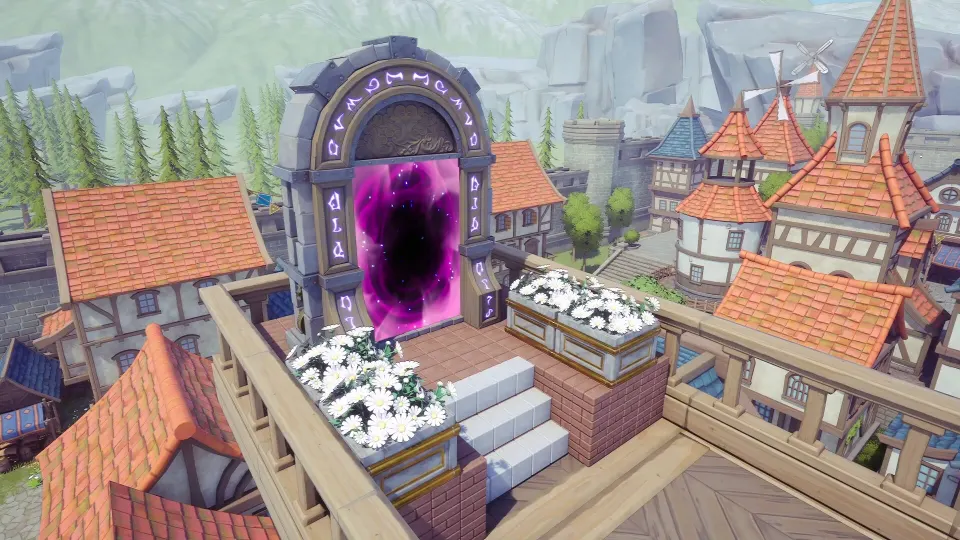
- Use portals where long belt runs would create clutter.
- Keep one blueprint focused on one job.
- Save a new version when you improve a design instead of overwriting your mental record of the old one.
- Verify belts after placing a copy, especially in dense layouts.
Some layouts will change sharply after later unlocks. New supports, stacking options, conveyors, and advanced processing equipment can alter what counts as efficient. That is normal. Keep early templates as dependable starter modules, then create newer versions when your tools change.
Do not expect blueprints to solve a supply problem automatically. They copy structure, not resources. If a copied component line runs slowly, trace the issue backward: raw material production, plant growth, fuel, transport capacity, and storage can all be the real bottleneck.
A well-made library gradually changes how you play. Instead of spending time reconstructing familiar production lines, you can concentrate on balancing inputs, expanding output, and planning the next stage of the factory.
FAQ
What is the fastest way to learn alchemy factory how to make blueprints?
Build one small production line that already works, select every connected part, press F to copy it, then press H to save it. Start with a resource processor or simple assembly line, since those are easy to test and likely to be reused.
Why does my placed blueprint not work?
Check for missing belts, incorrect belt direction, blocked outputs, absent portal connections, and insufficient inputs. Also confirm that the blueprint fits the available floor space and that you have unlocked or can afford every required structure.
Where do I find saved blueprints?
Press Q to open the Build menu, then select the Blueprints tab. From there, choose a saved layout, inspect the placement preview, rotate it if necessary, and confirm where you want to build it.
Should I save early-game layouts?
Yes. Early templates should emphasize steady output and easy reuse, not maximum density. Save layouts that process common materials, automate plant collection, make recurring components, or provide useful routing and storage.
Can I organize or share blueprint files?
Yes. Blueprint files use the .af extension and can be renamed or placed into folders through the blueprint directory. You can share those files with other players, while received files can be added to your Blueprint folder for use in-game.